OryonTech merchant guides

Turn your first 14 days into real business value

Choose how your business works, do the setup that pays off first, and use your dashboard with confidence.

Merchant success path

Turn setup into customer outcomes

Start with how your business serves customers. Follow both paths if you sell products and take appointments.

Products and orders

I sell products

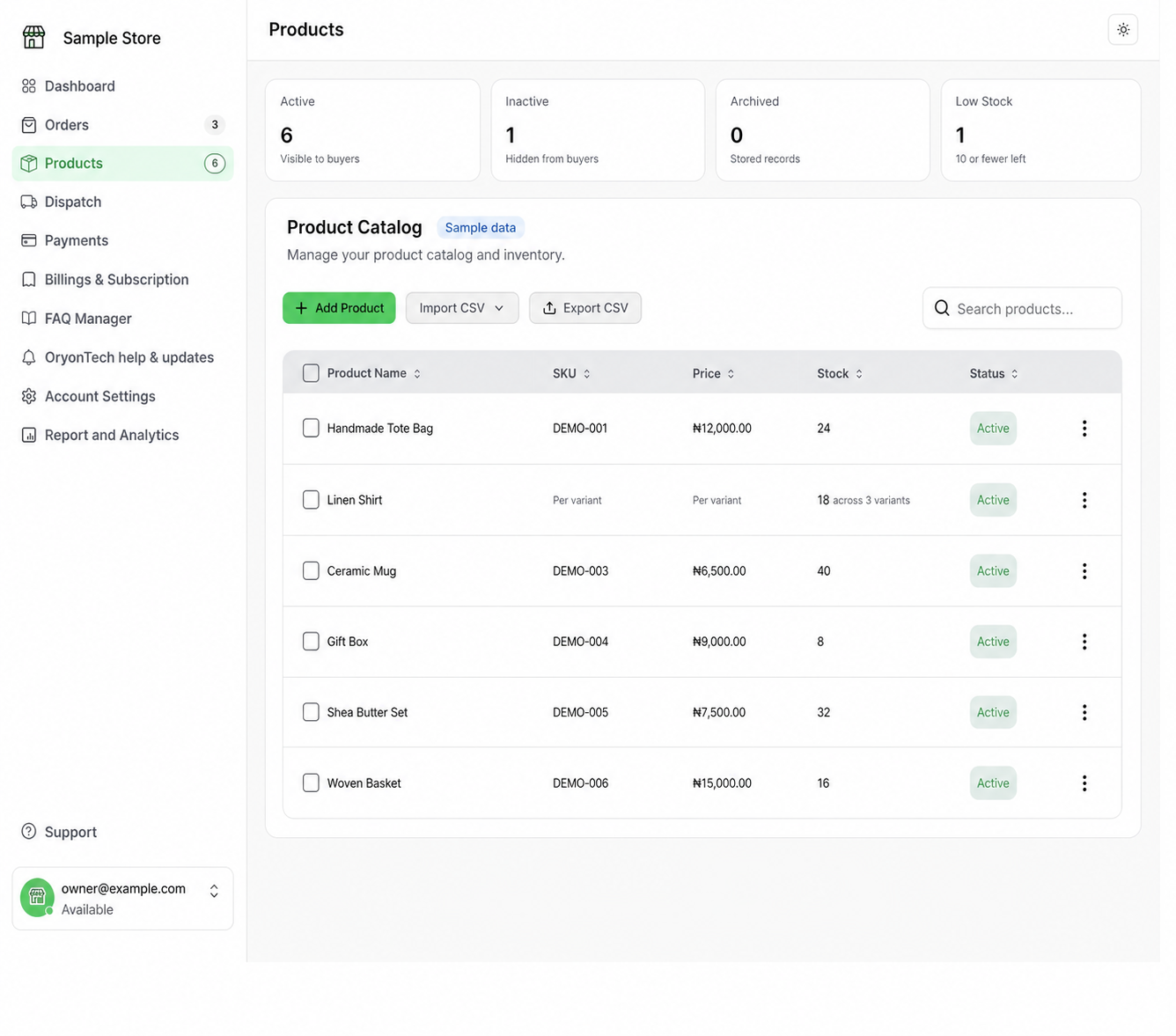
Keep the catalog accurate, turn customer conversations into paid orders, and move fulfilment forward.

  • Add products, variants, prices, stock, and SKUs.
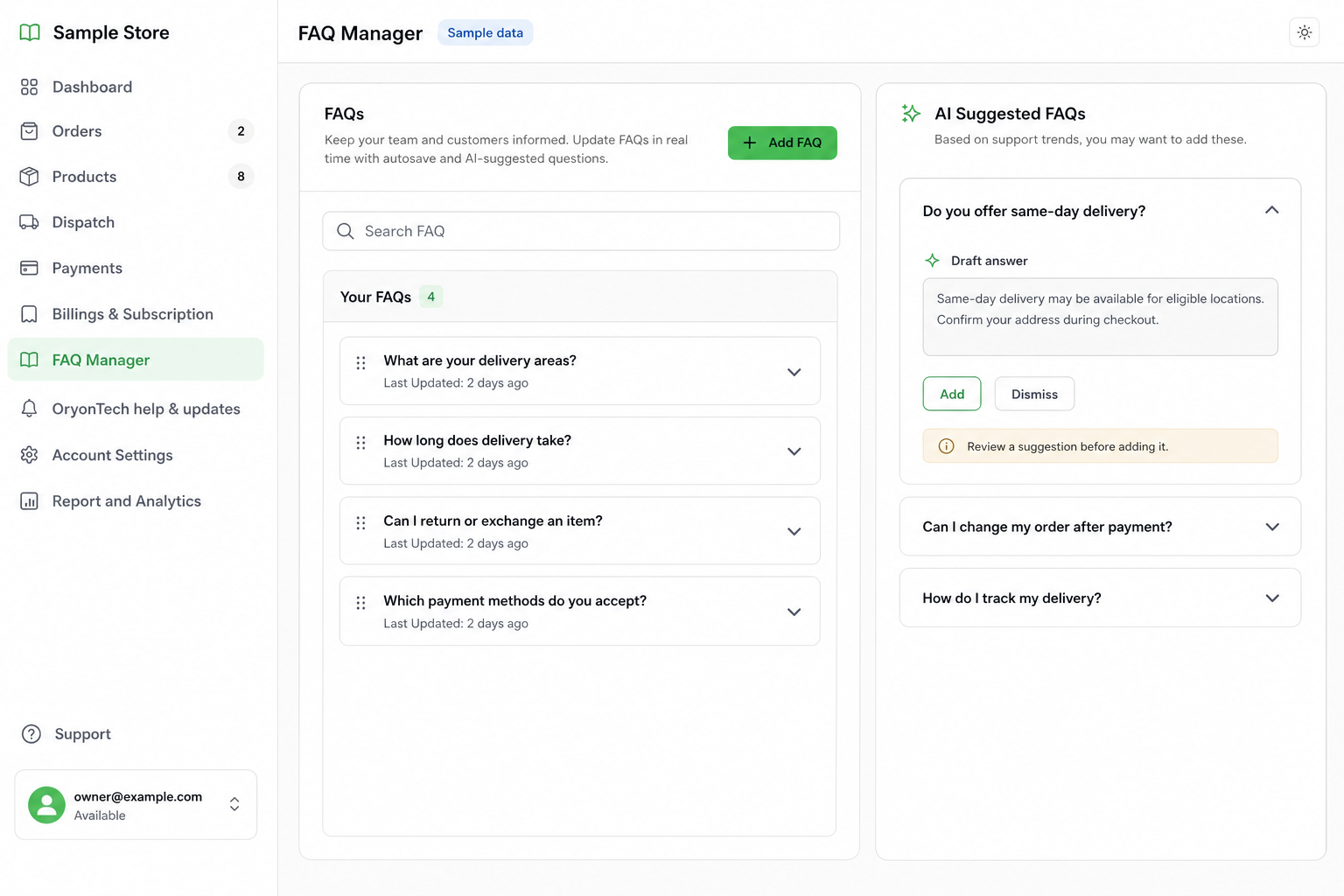
  • Prepare approved FAQs and business information.
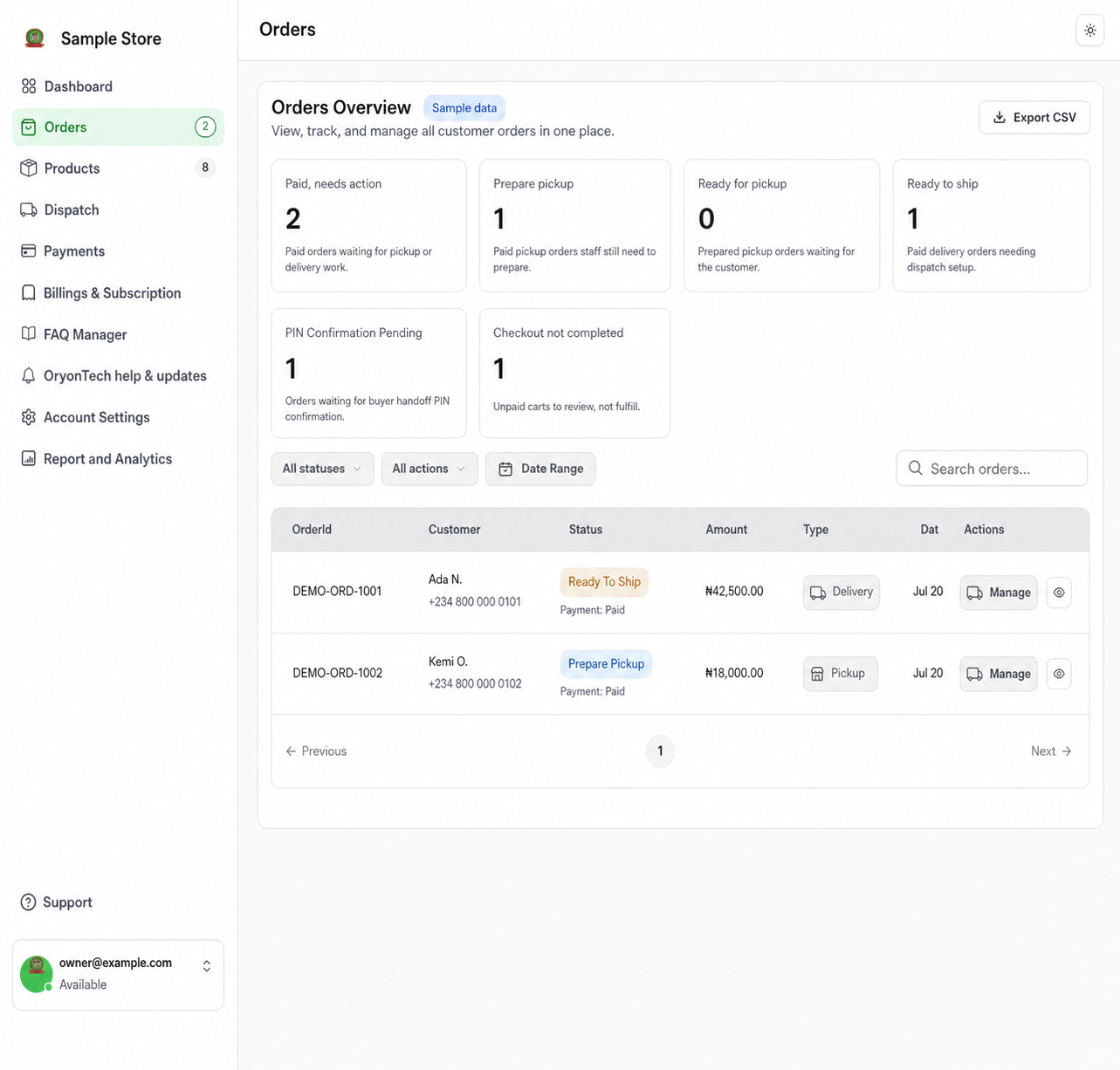
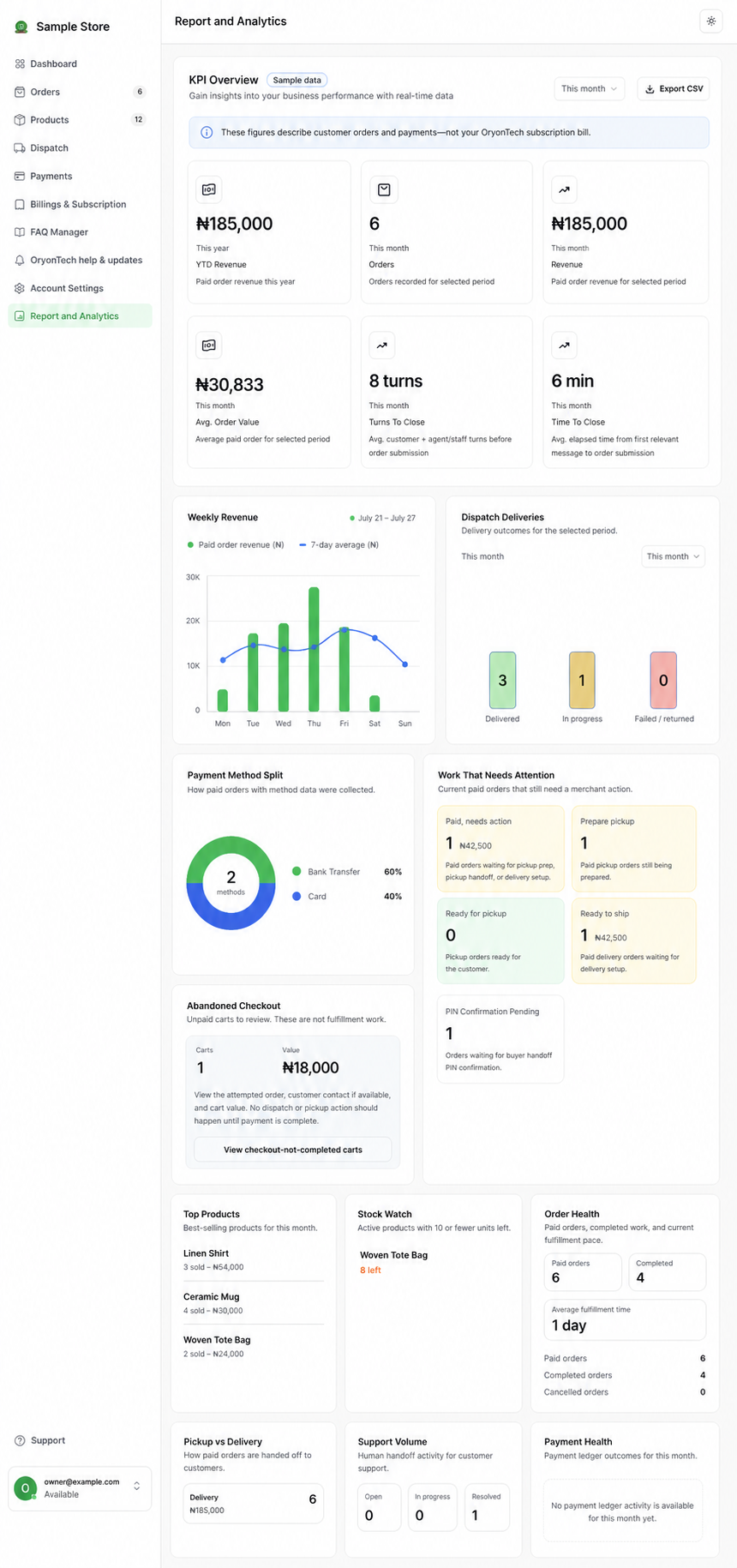
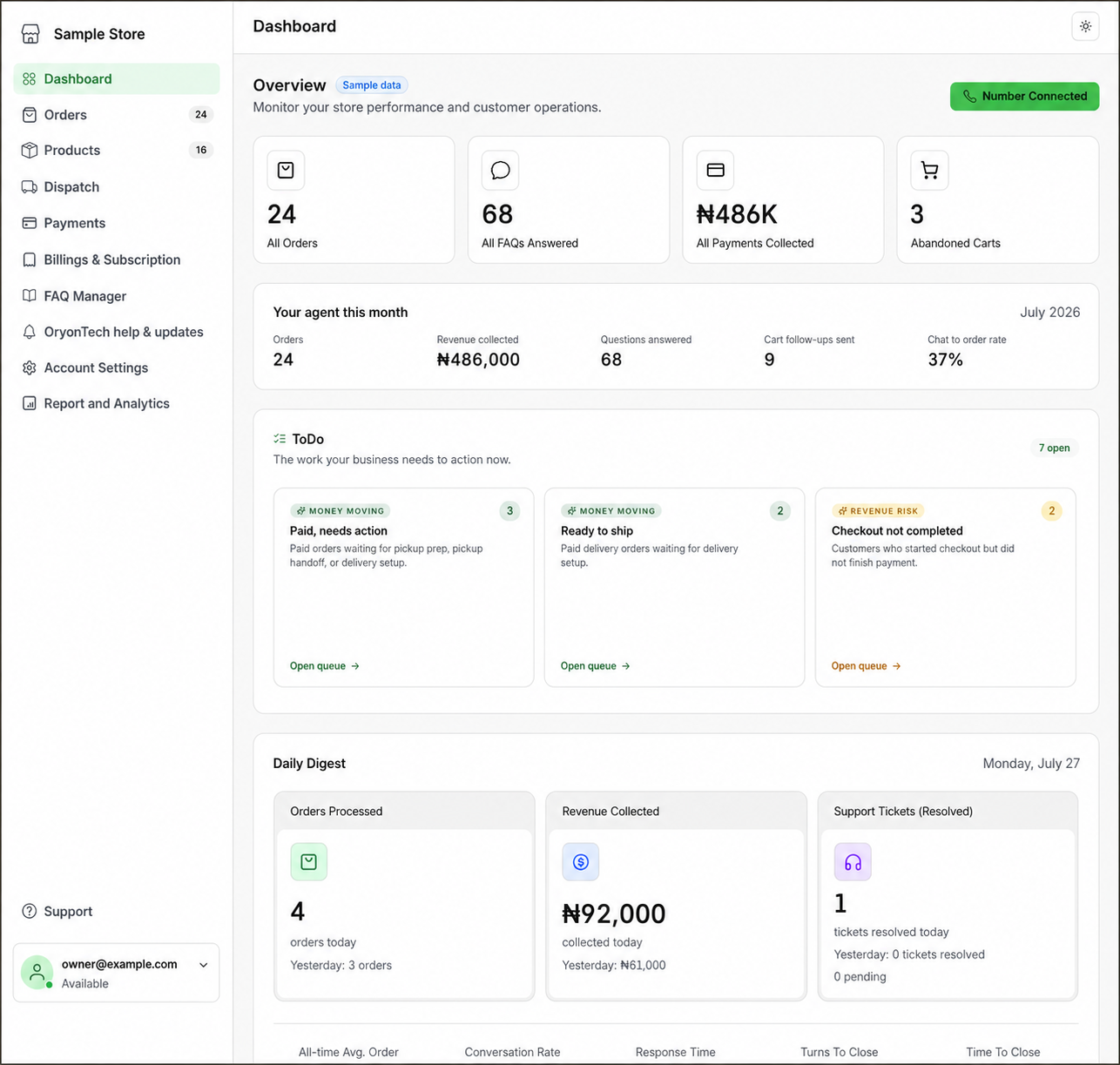
  • Understand customer orders and unpaid carts.
  • Confirm customer payments before fulfilment.
  • Manage pickup, riders, dispatch, and buyer handoff PINs.
  • Review missed-sale and performance information.
Bookings and appointments

I take appointments

Set reliable availability, receive bookings, and keep every appointment outcome current.

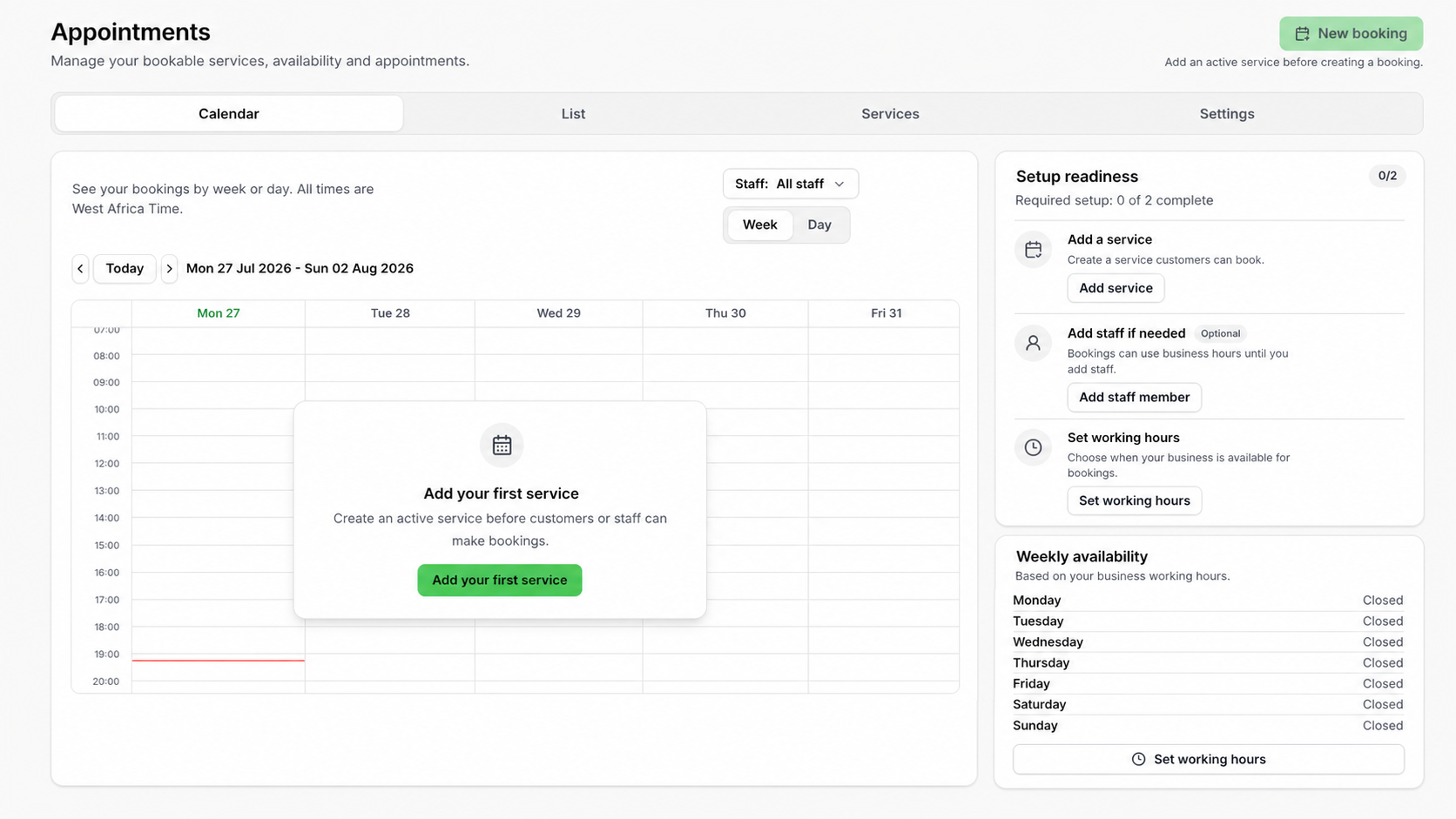
  • Create services with duration, price, deposit, and location.
  • Configure business hours and staff availability.
  • Understand WhatsApp and manual dashboard bookings.
  • Manage upcoming work in Calendar and List views.
  • Assign staff, reschedule, cancel, complete, or mark no-show.
  • Review deposit status, balances, and operational gaps.

Four outcome stages

Know what good progress looks like

  1. First 3 days

    Get oriented

    01

    Know where work lives and make sure customers can see accurate information.

    • Learn the dashboard and confirm business details.
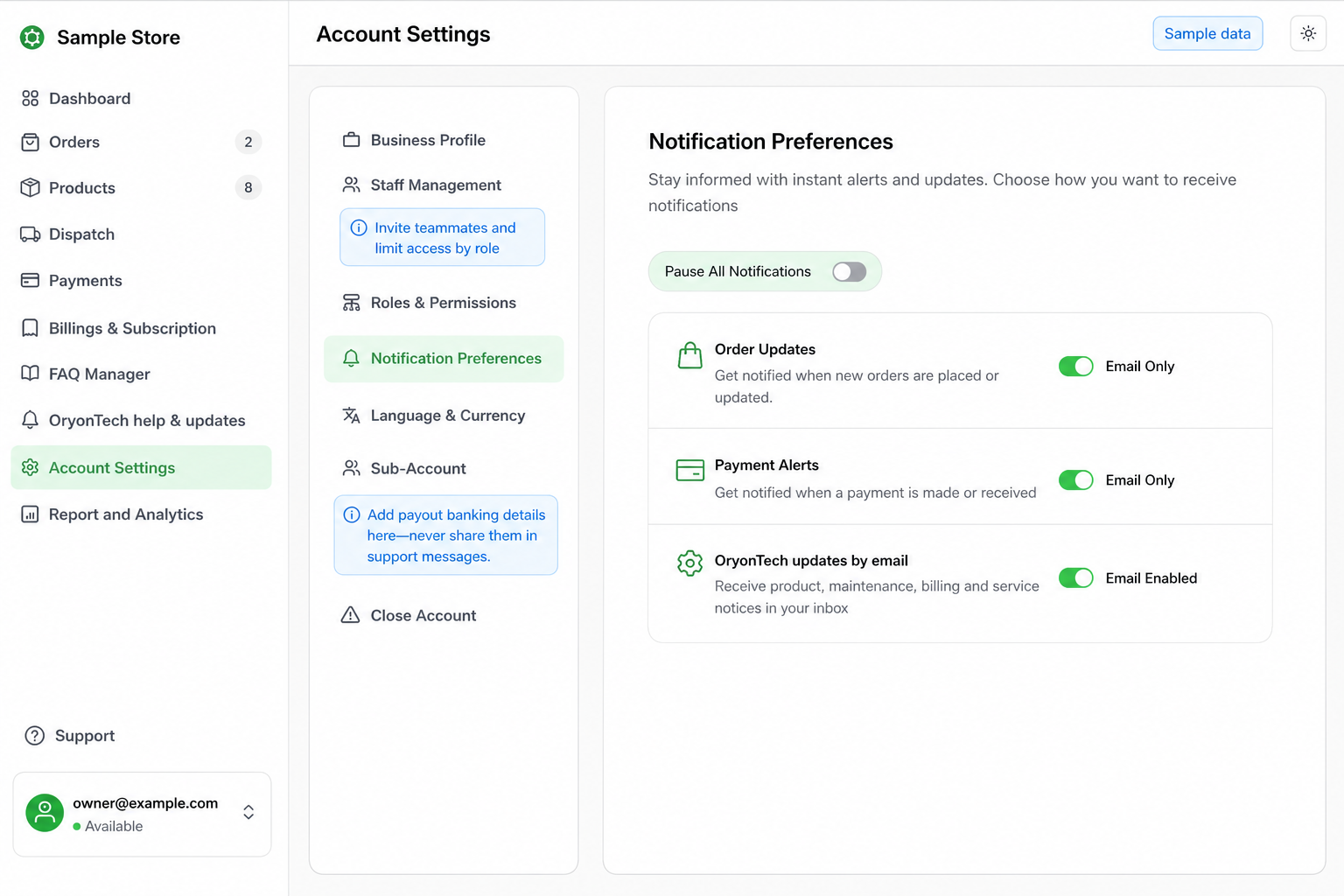
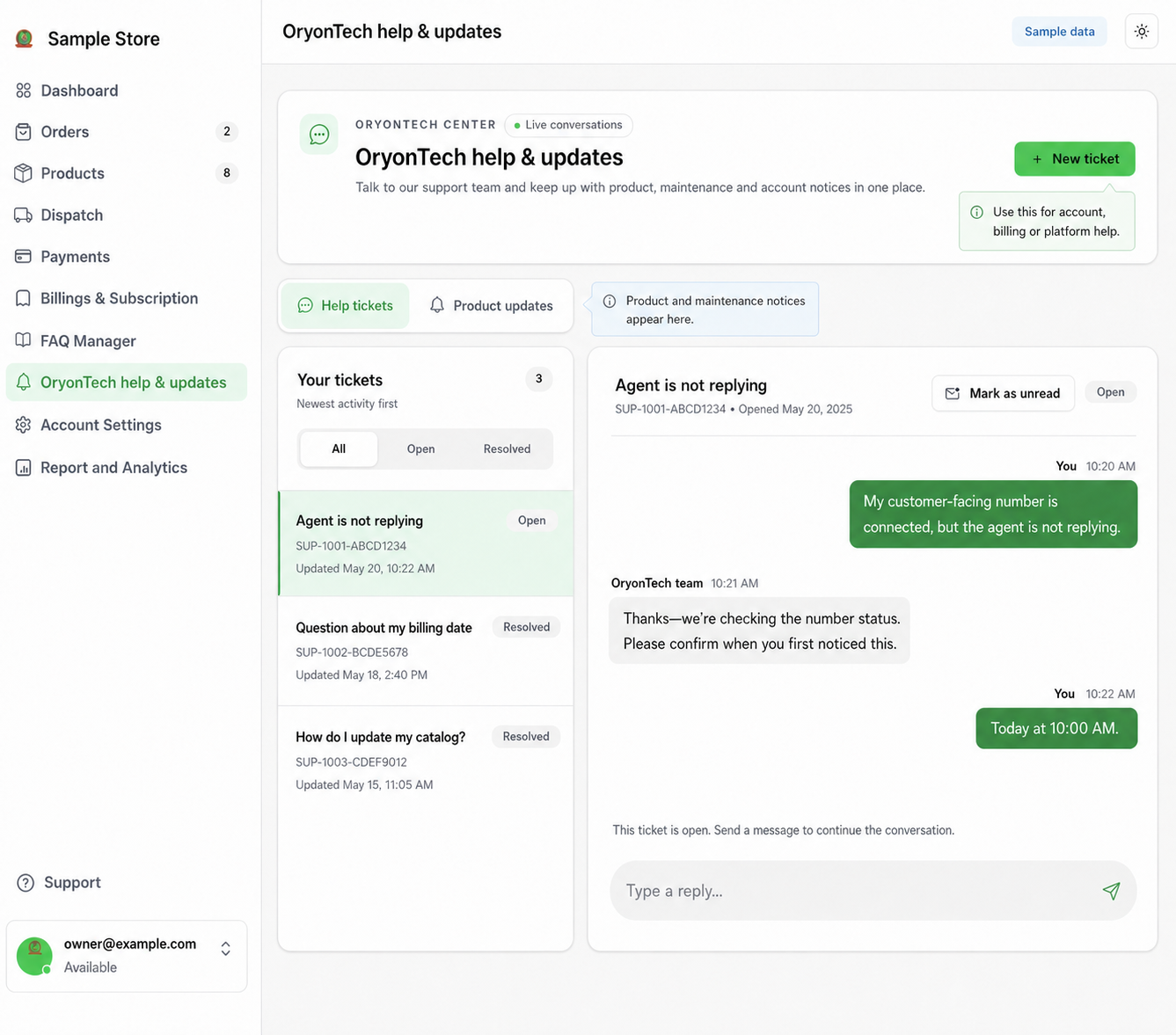
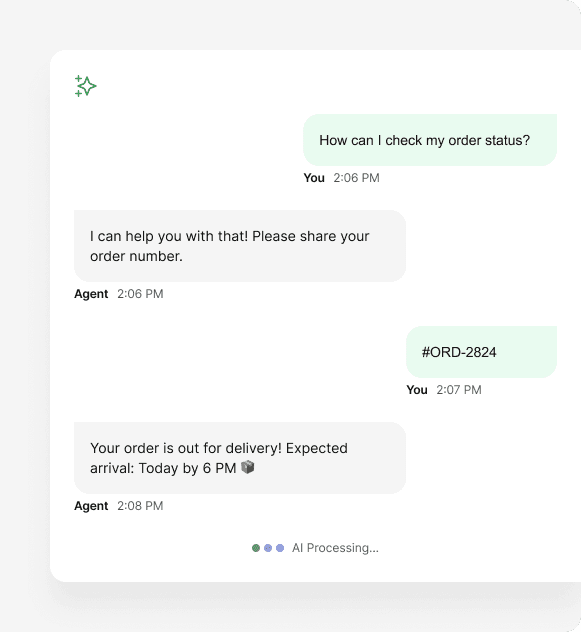
    • Know when to use customer handoff versus OryonTech Help & Updates.
    • Confirm products or services are ready for customers.
  2. First 7 days

    Complete real customer work

    02

    Use one genuine customer outcome as the first proof of value.

    • Commerce: complete the first genuine customer order.
    • Appointments: receive and complete the first genuine booking.
    • Do not count setup completion or test records as customer value.
  3. Before day 15

    Build a repeatable operating habit

    03

    Keep today’s work accurate and review what full-plan billing will cover.

    • Review open orders or upcoming appointments.
    • Keep products, services, stock, availability, and FAQs current.
    • Resolve handoffs and review the upcoming full-plan charge.
  4. Keep growing

    Maintain and improve

    04

    Use real operating records to correct friction and keep the plan aligned.

    • Review customer behavior and operational records.
    • Correct recurring friction and maintain business information.
    • Assess plan fit using real usage.

Onboarding

Get live without getting lost

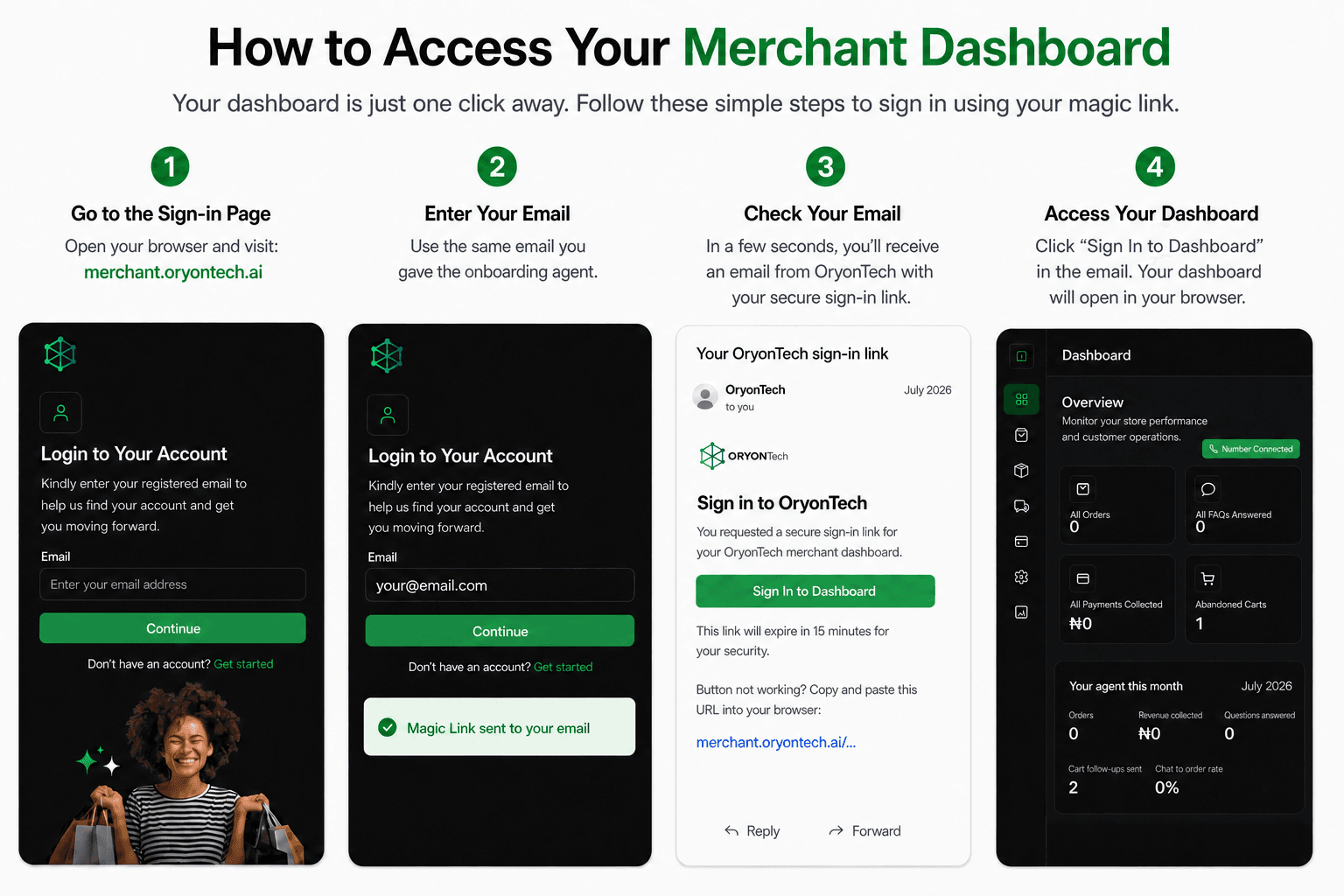
Start again from your saved step with the same email.

Guide library

Browse by dashboard area

Choose the part of your business you want help with.

Dashboard area

Bookings and appointments

Set services and availability, take bookings, and keep each appointment outcome current.

Need help from OryonTech?

Still onboarding? Use the link below to ask the onboarding agent on WhatsApp. Already signed in? Use OryonTech Help & Updates.

Every guide is based on the current OryonTech merchant experience. Screens may evolve as the product improves.

Ready to put it to work?

Use the guides to understand the product, then start your first 14 subscription-free days with OryonTech on WhatsApp.

Get started