Before You Start
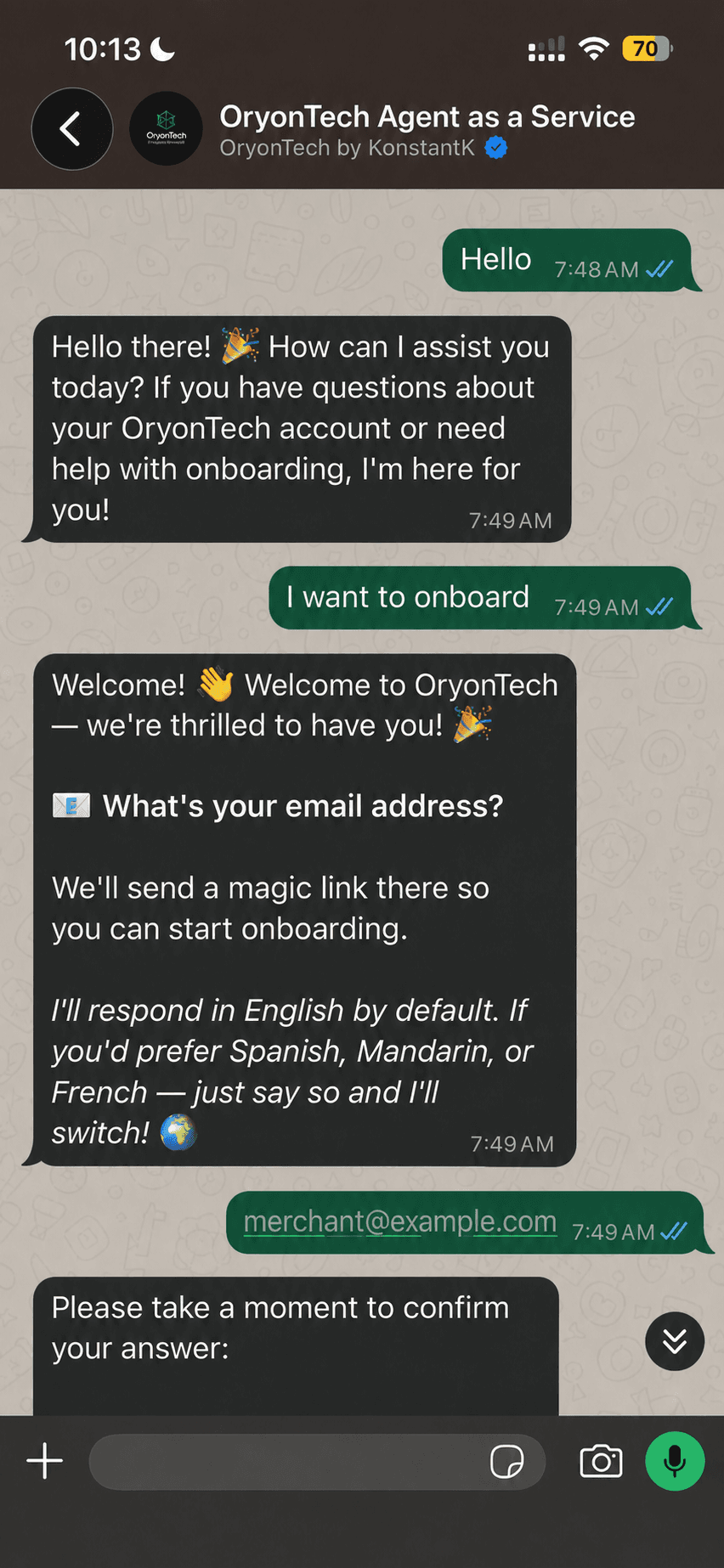
Your onboarding conversation helps OryonTech prepare your business. Your merchant dashboard is the secure place where you continue setup and manage your account afterward.
You do not need to create a separate password. You only need access to the same email address you gave your onboarding agent.
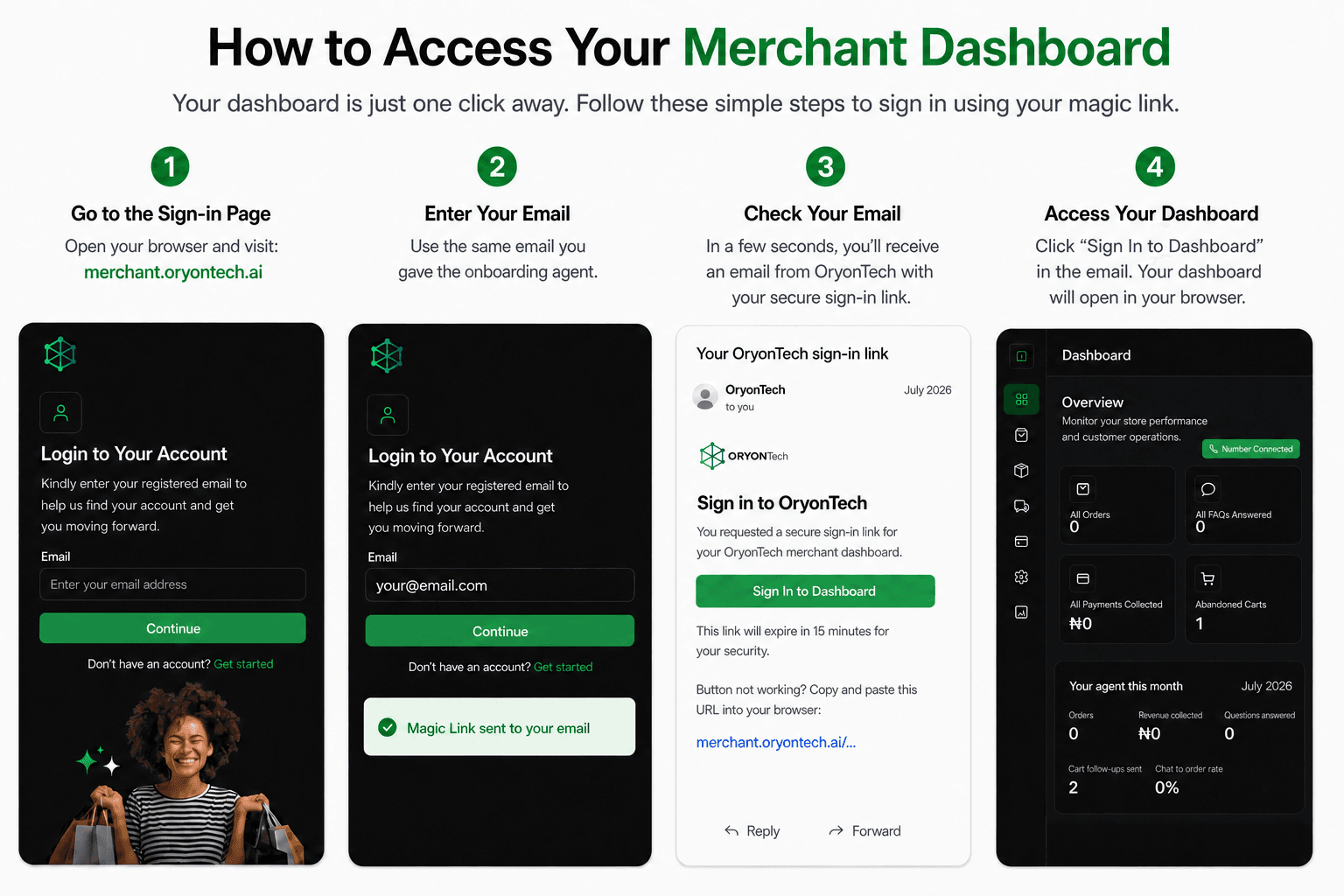
Step 1: Open the Sign-In Page
Open your web browser and go to merchant.oryontech.ai. Make sure the address says merchant, not merchants.
Step 2: Enter Your Email
Enter the same email address you used to register with the onboarding agent, then select Continue.
A confirmation banner will appear to let you know that OryonTech has sent a magic link to your email.
Step 3: Check Your Email
In a few seconds, you should receive an email from OryonTech containing your secure sign-in link. Open that email and select Sign In to Dashboard.
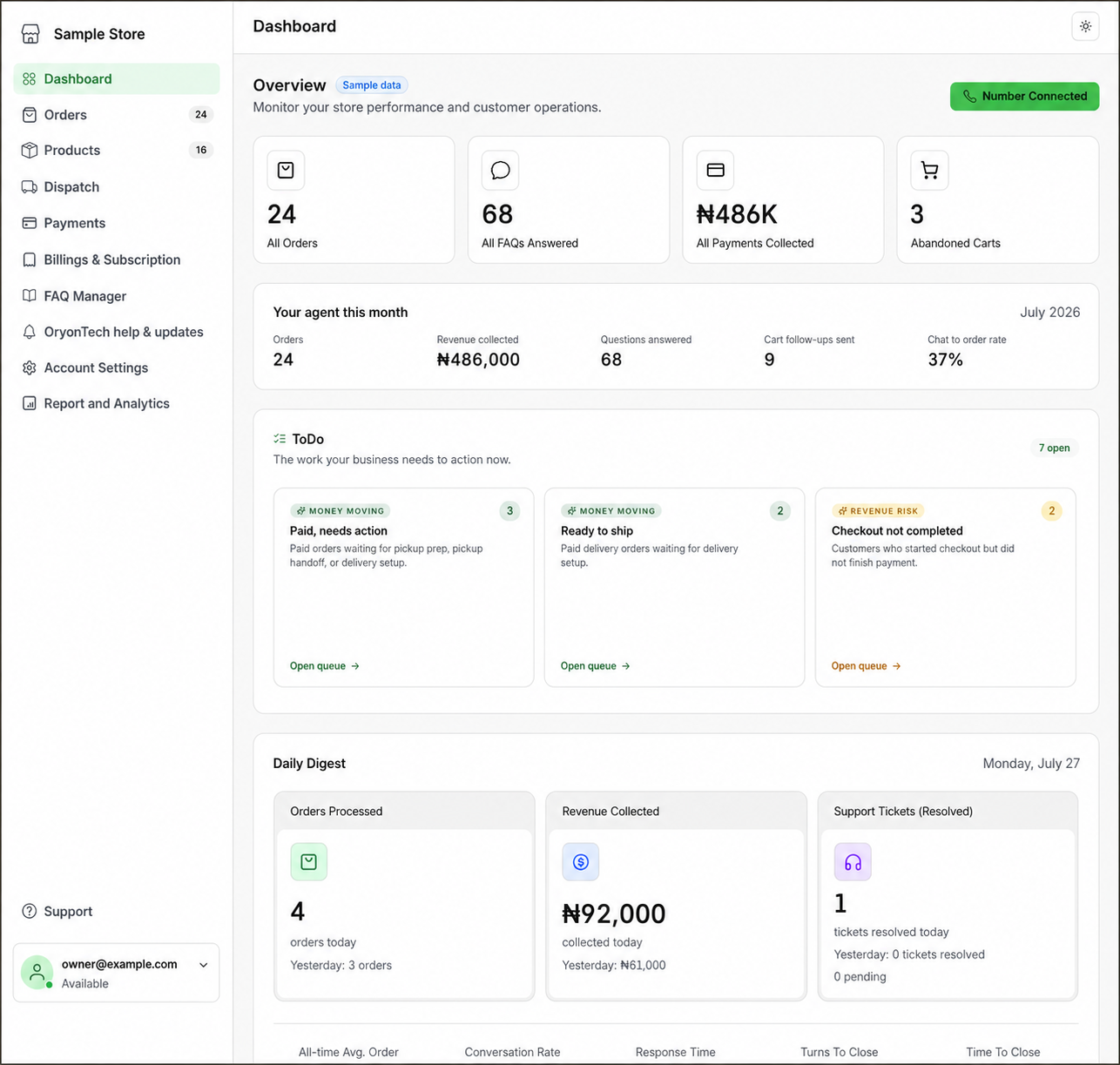
The link will open your merchant dashboard in a web browser. That is all you need to do.
If the Email Does Not Arrive
Give the message a moment to arrive, then check your spam, junk, or promotions folder. Confirm that you entered the exact email address you gave your onboarding agent.
If the link has expired or still does not arrive, return to merchant.oryontech.ai and request a new one. For your security, never forward or share a magic sign-in link.
Remember: your sign-in address is merchant.oryontech.ai, and your login email is the same one you gave your onboarding agent.
Ready to sign in?
Use the same email address you gave your onboarding agent.