Why the Agent Needs a Dedicated Number
OryonTech connects your agent through the WhatsApp Business Platform. A number activated for this API connection does not continue working inside the normal WhatsApp or WhatsApp Business mobile app.
The safest path is to keep your current everyday business number and use a separate number for the agent.
Choose One of Two Number Paths
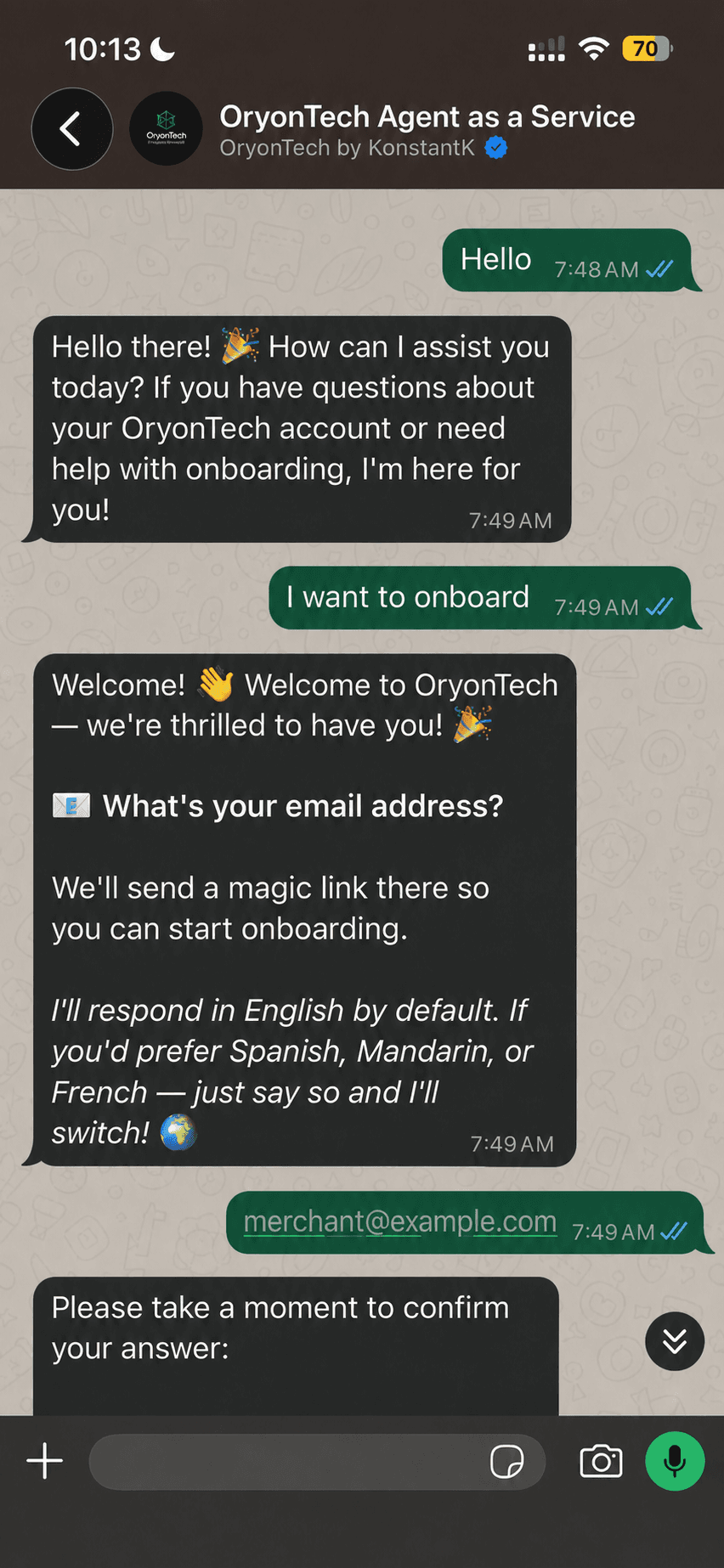
Choose an OryonTech-provided number if you need a new dedicated number supplied during setup. Choose Bring Your Fresh Number only when you already have a phone number that has never been registered on WhatsApp.
- OryonTech-provided number: select an available number and allow the provisioning process to complete.
- Fresh number: verify that you control the number using the one-time code requested by the setup flow.
- Do not use a number that is still active in WhatsApp or WhatsApp Business.
What the Connection Status Means
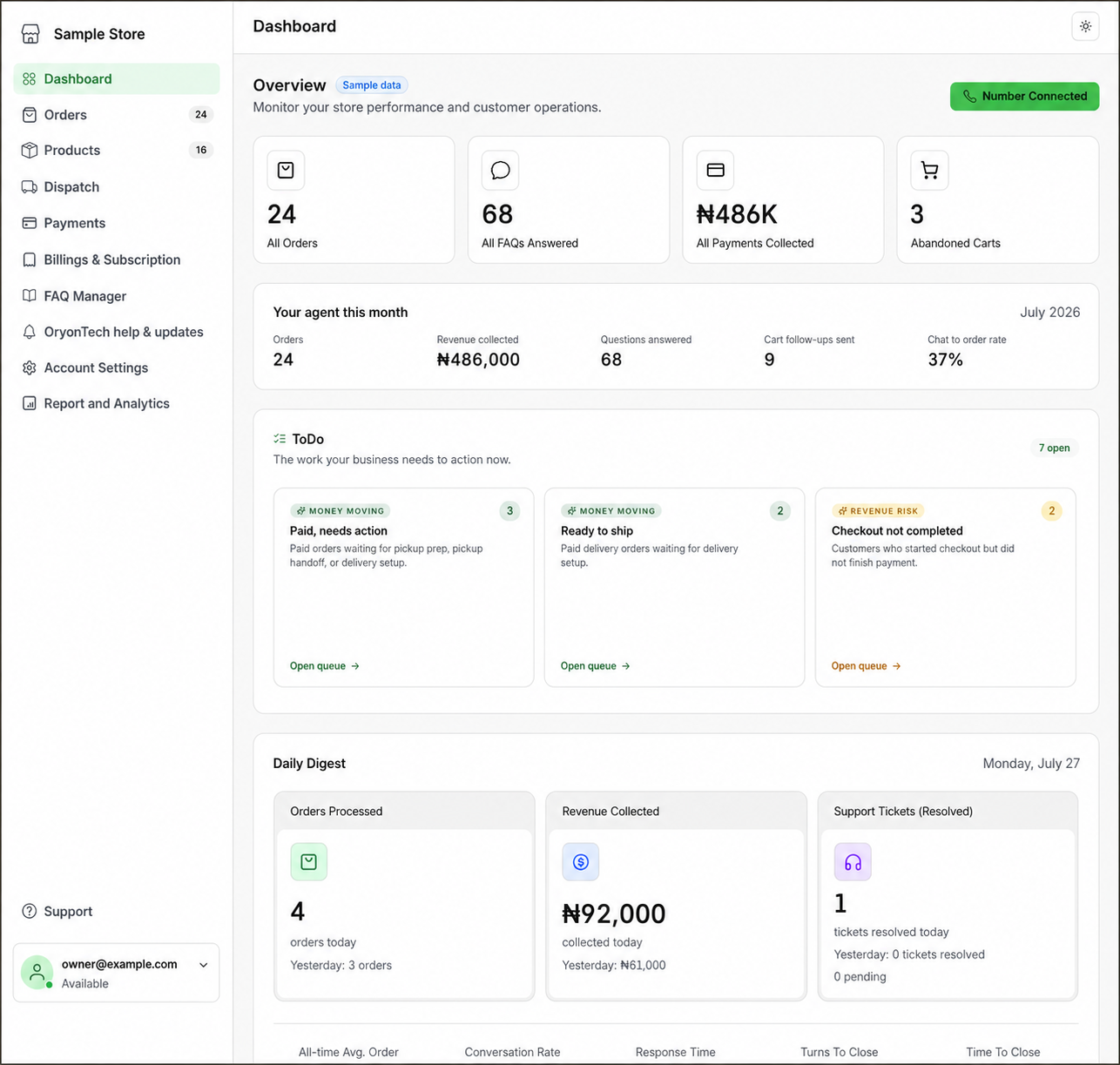
When you open number status from the dashboard, OryonTech first checks the saved number route. Managed-number setup may show creating or verifying while provisioning is in progress. A fresh-number route may request the Meta one-time code. Online means the connection is ready.
Pending payment means the system is still confirming the payment connected to setup. Offline means the saved connection needs recovery. A temporary network error means the dashboard could not check status; it does not change your selected number path.
Do Not Switch Paths to Clear an Error
The backend remembers whether you selected an OryonTech-provided number or a fresh number. Closing the status window or choosing Try Again Later does not change that saved route.
If the screen shows a path that does not match what you selected, take a screenshot and open a ticket under OryonTech Help & Updates. Do not repeatedly submit a different number to work around the screen.
A fresh number means a number that has never been registered on WhatsApp, not merely a number you are no longer using.
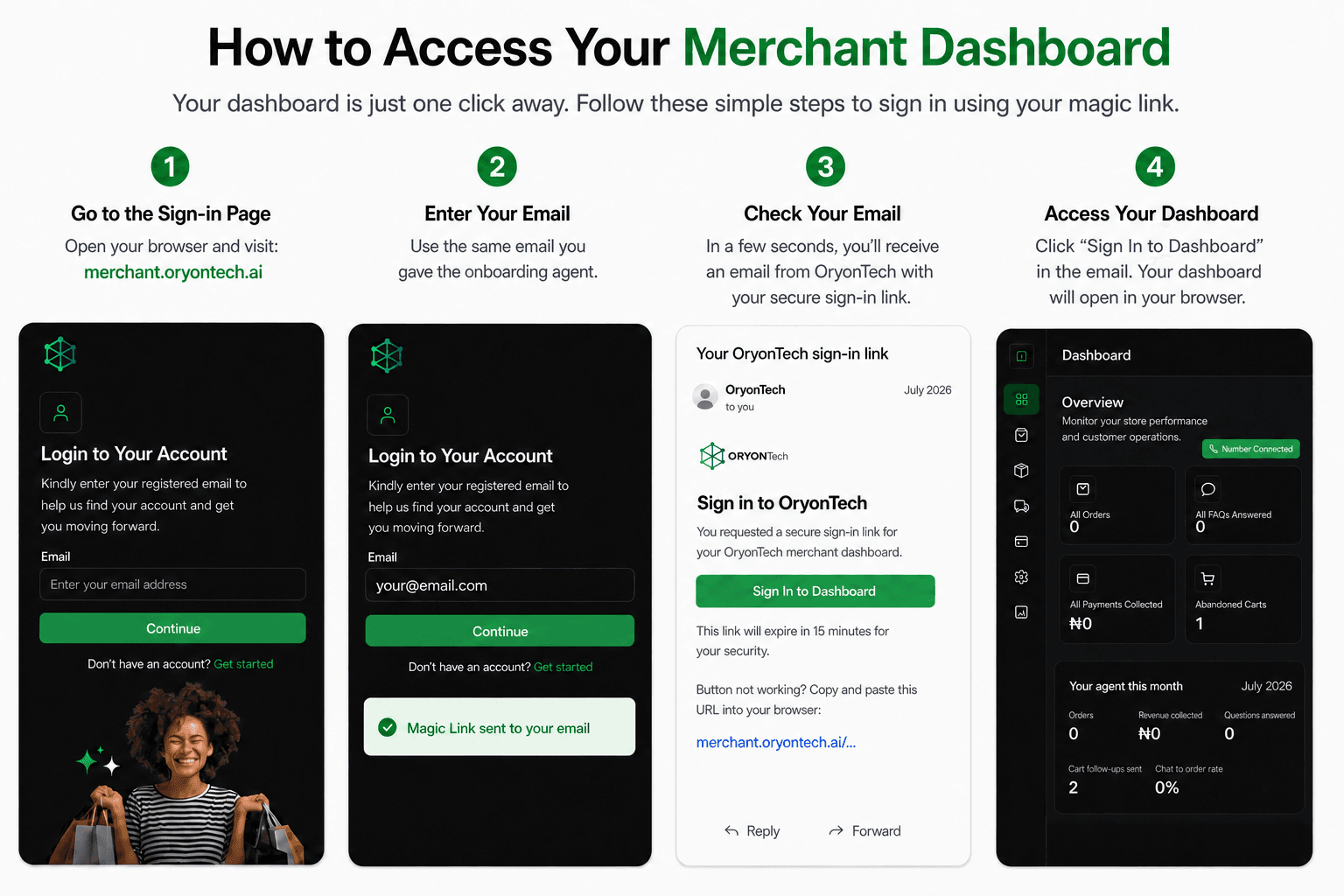
Ready to open your dashboard?
Sign in and use the number-status control on your dashboard.