Why Your Business Profile Matters
Your business profile tells Agent as a Service who your business is, where you operate, how customers should reach you, and what basic expectations should be clear before a sale.
A clear profile builds customer trust and reduces avoidable handoffs. If your hours, address, service area, or contact details are incomplete, customers ask extra questions and staff spend time correcting confusion.
What to Keep Accurate
Review the details customers rely on before they buy or request support. Use the same name and contact details your customers already recognize.
- Legal or trading business name.
- Customer-facing phone number, email, address, and service area.
- Opening hours, pickup hours, and delivery coverage.
- Business category, currency, logo, and basic policy notes.
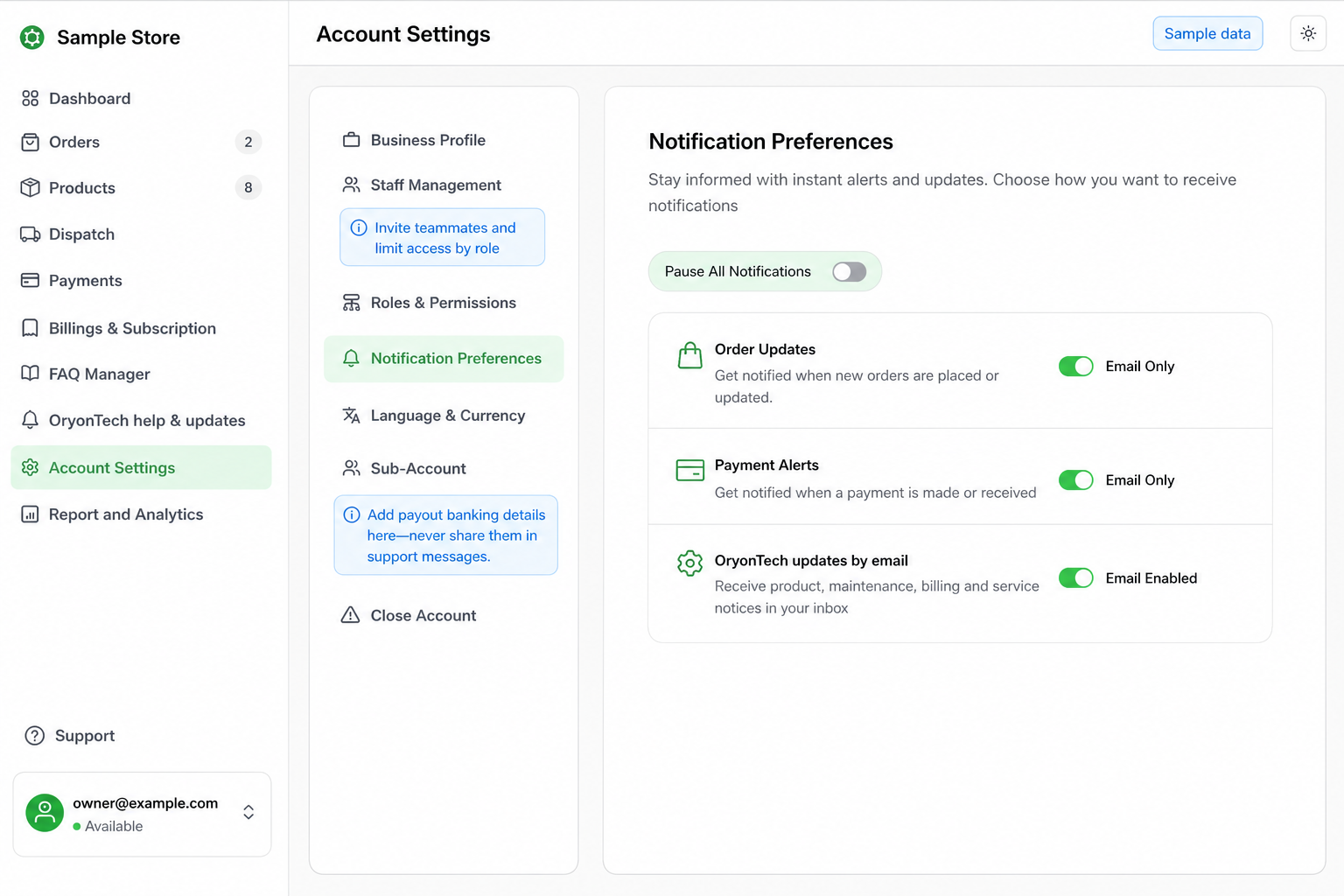
- Owner and staff access so the right people can handle the right work.
Check This Before Go-Live
Before live customer traffic starts, read the business profile like a customer. Ask: would a buyer know who they are paying, where pickup happens, what delivery areas are covered, and when staff are available?
If the answer is no, update the profile before relying on the agent to explain it.
When to Update It
Update your business profile whenever your hours, pickup location, delivery area, contact person, payment expectation, staff access, or customer-facing policy changes.
Do not wait until customers complain. A five-minute profile update can prevent repeated confusion in WhatsApp.
When to Ask for Help
Open OryonTech Help & Updates if a profile change will not save, a staff member cannot access the right area, your payout details need review, or the dashboard shows a status you do not understand.
Treat your business profile as part of selling. It is the basic truth customers and staff depend on.
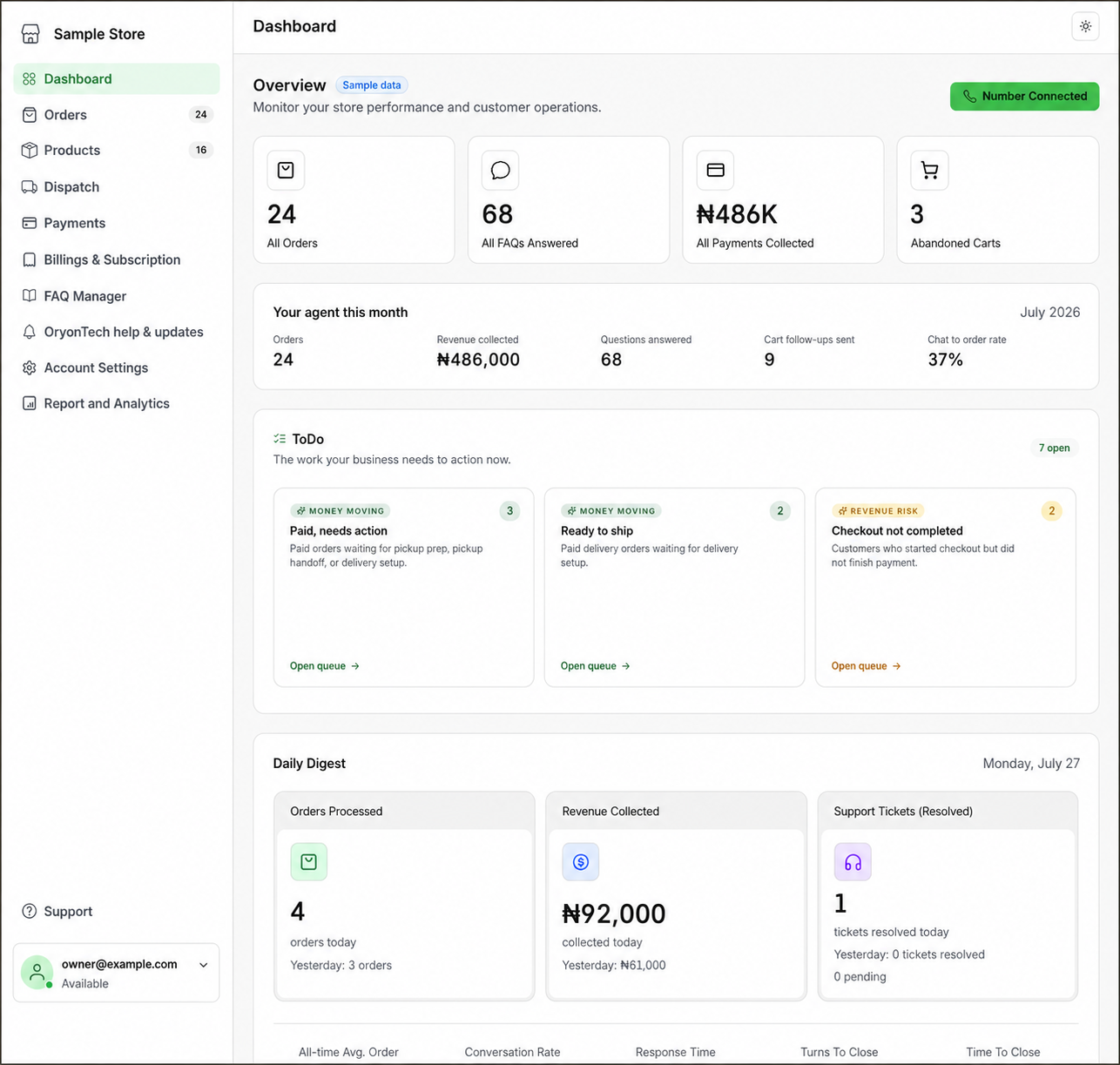
Ready to open your dashboard?
Review your business profile, staff access, notification preferences, language, currency, and payout controls.