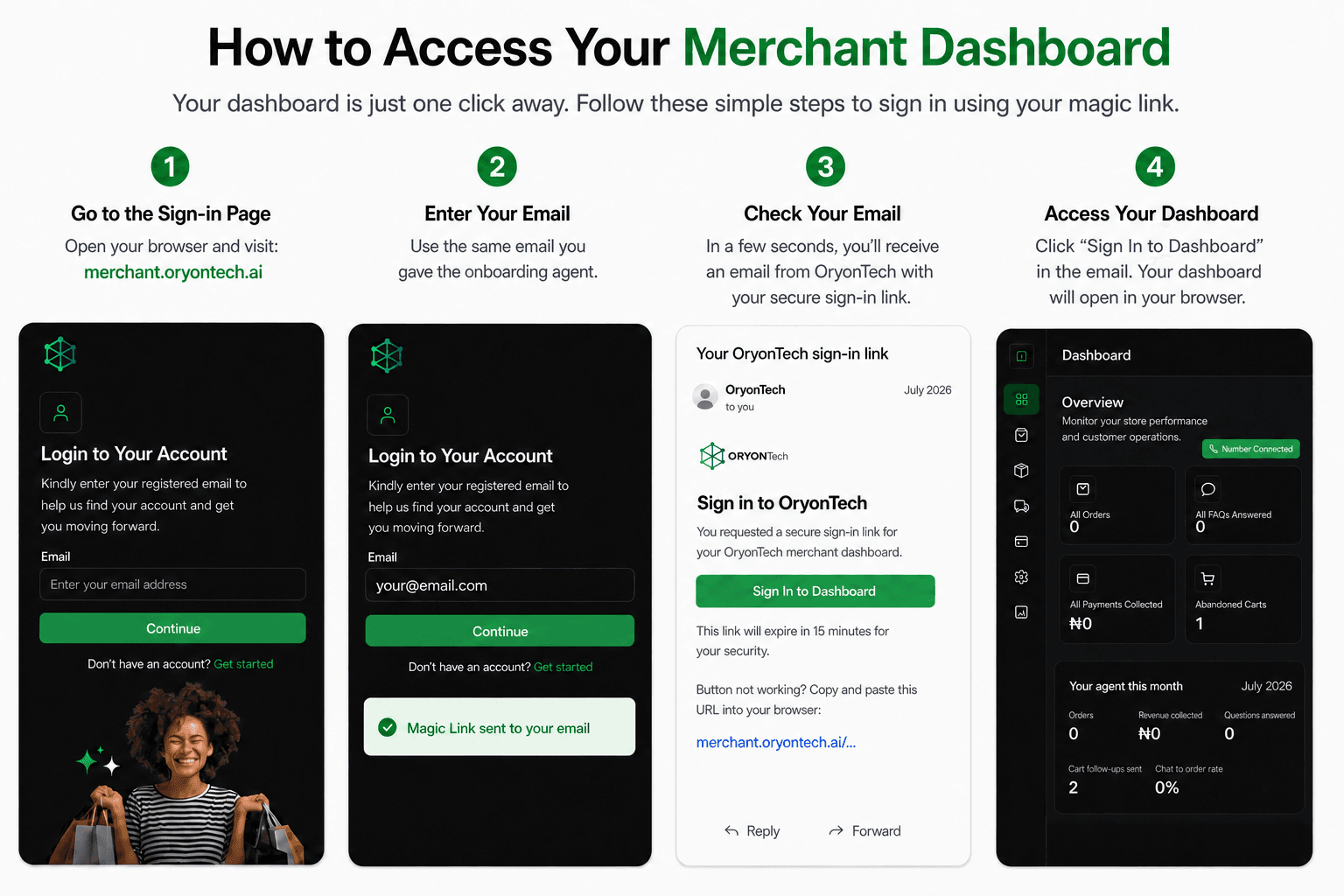
There Are Three Different Help Paths
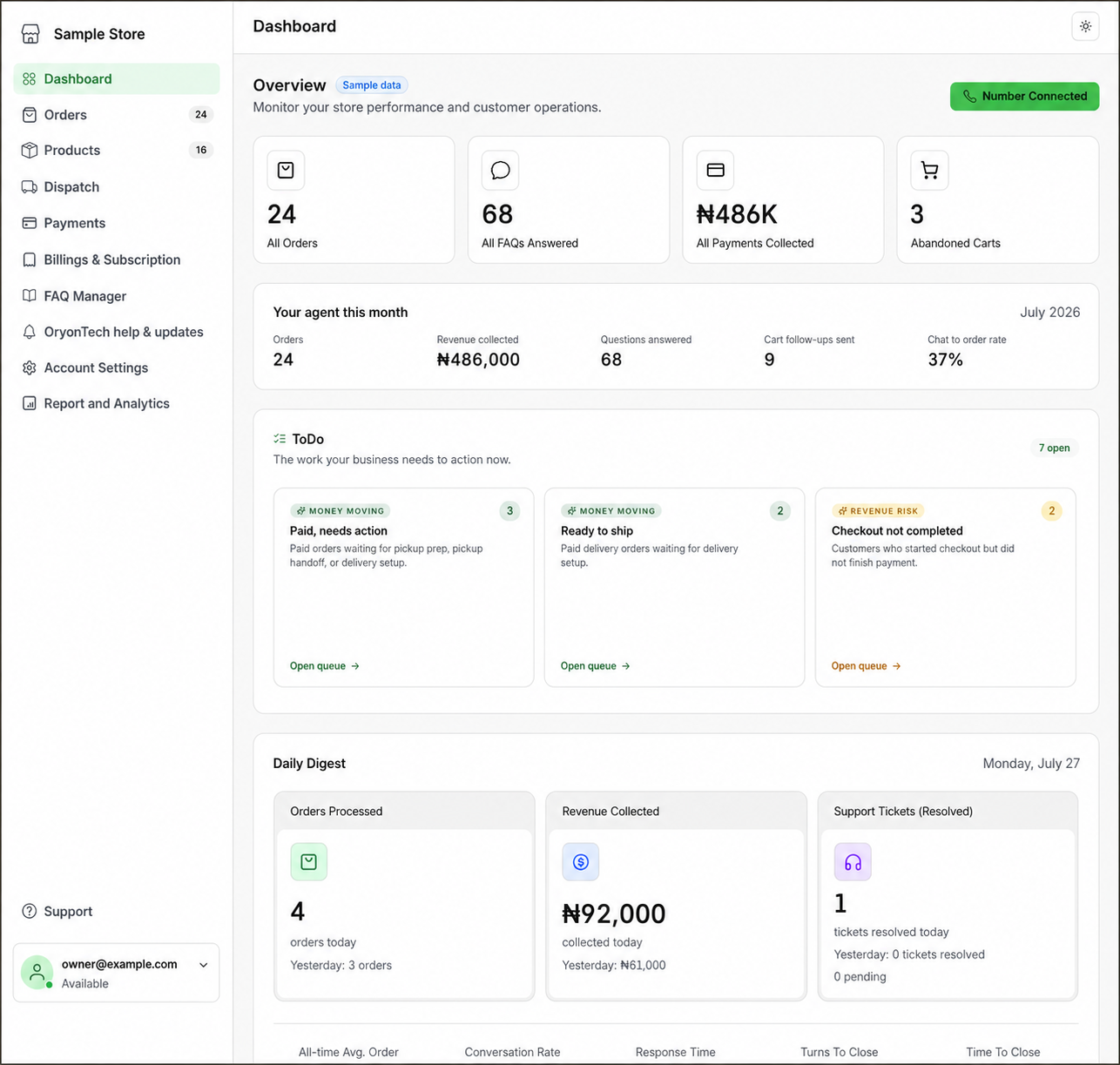
Use the onboarding agent before or during setup. Use OryonTech Help & Updates after you can sign in and need help with your OryonTech account. Use Support at the bottom of the merchant navigation when your own customer needs a person from your business.
Choosing the matching path keeps your question with the right context and prevents customer handoffs from being confused with OryonTech account support.
Onboarding Agent: Setup Questions and Callback Requests
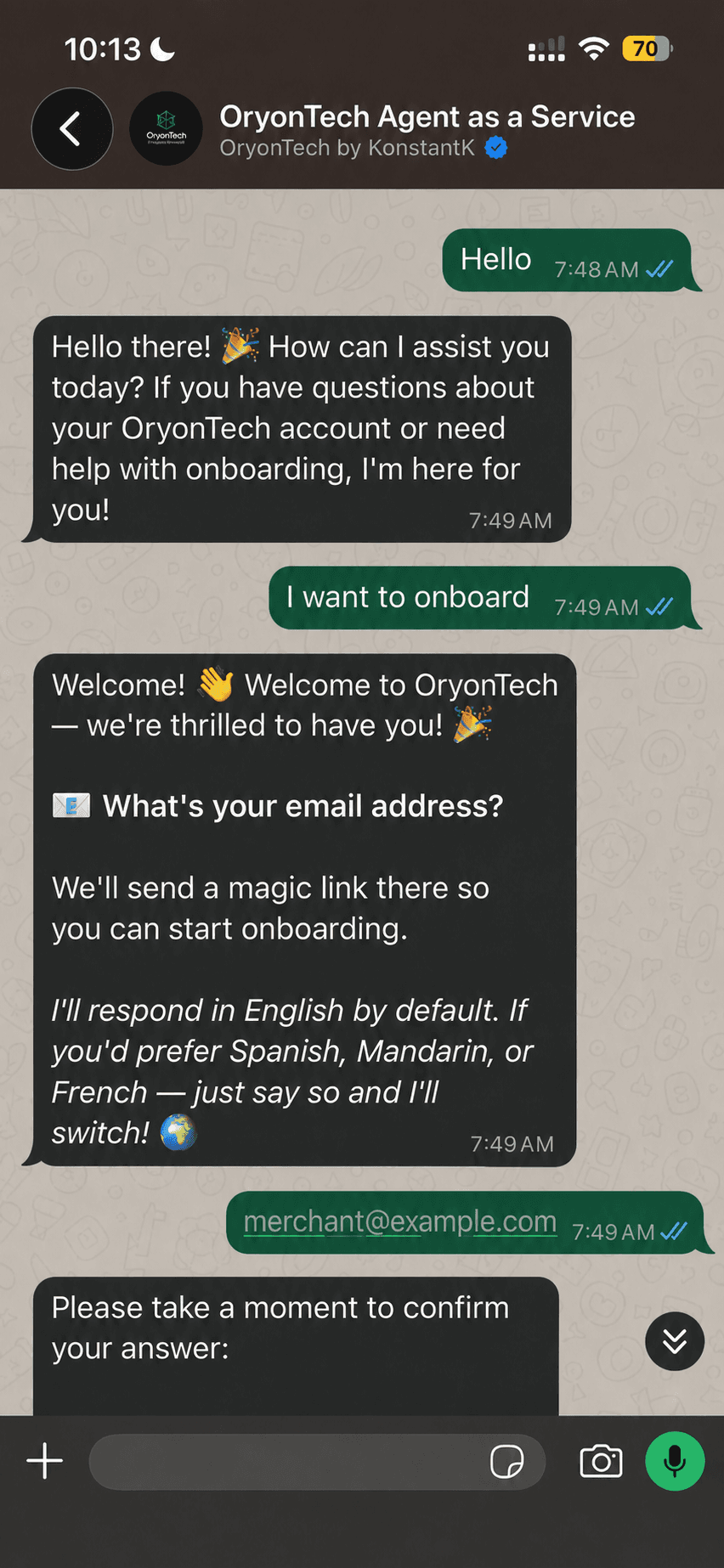
Use the onboarding agent when you are starting, resuming, or completing onboarding. Ask what to prepare, request the relevant step-by-step guide, or ask which saved onboarding step comes next.
If you need a person, say “I need to speak to someone” and give a short reason. The agent will register a callback request and return a reference. Keep the reference while the OryonTech team follows up on the WhatsApp number you used.
Use the link below to open the official OryonTech onboarding chat in WhatsApp.
OryonTech Help & Updates: Signed-In Account Help
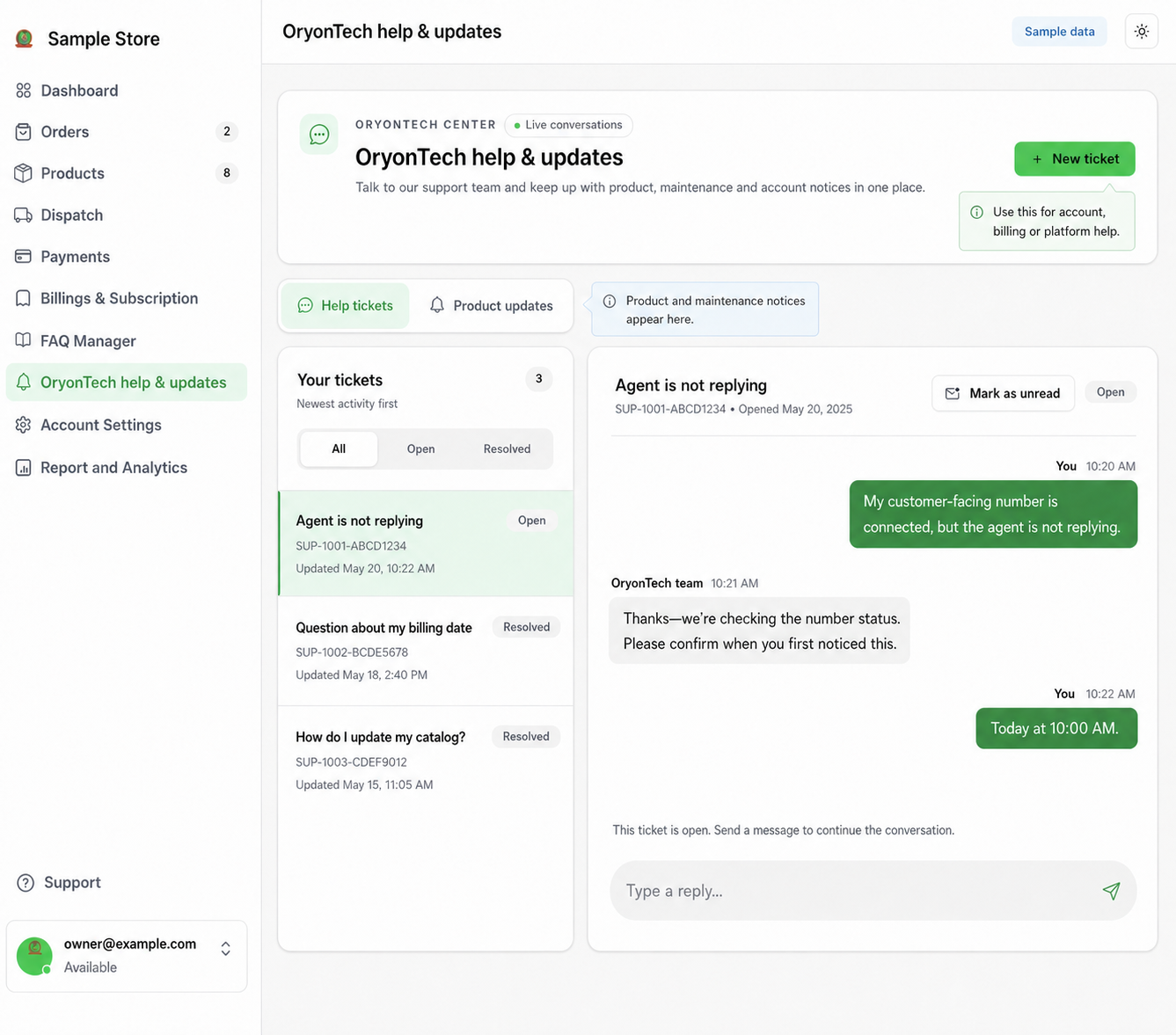
Use OryonTech Help & Updates after you can sign in and need help with number connection, billing, a dashboard error, or another OryonTech account issue. Start a ticket with a short subject and a clear description of what happened.
Replies refresh automatically while the ticket is open. You can keep a ticket open while help is in progress and review resolved tickets later.
How to Request Help and Follow the Reply
Open Help tickets and select Start a ticket. Use one clear issue per ticket. Include what you were trying to do, what happened, any visible error reference, and whether you are blocked. Never include passwords, magic links, OTPs, CVVs, or full bank details.
The OryonTech team replies in the same conversation. Replies appear automatically while the ticket is open. Replying to a resolved ticket reopens it, and Mark as unread lets you save a ticket to revisit later.
Use Product updates for OryonTech product, maintenance, billing, and account announcements. It is not the place to request a support reply.
Signed-in account support
OryonTech Help & Updates
Request account help, follow replies, and read OryonTech notices in one place.
Guide preview: no account changes
Your tickets
Newest activity first
WhatsApp number is still verifying
OpenSample ticket
Billing quote needs review
ResolvedSample ticket
New conversation
New support ticket
The OryonTech team is notified when you send the ticket, and replies appear here automatically.
Include what you were trying to do, what happened, any visible error reference, and whether you are blocked. Never include passwords, magic links, OTPs, CVVs, or full bank details.
Subject
Message
Request help
Choose Help tickets, then Start a ticket. Use one clear issue per ticket.
Follow the answer
Replies appear in the same conversation. Replying to a resolved ticket reopens it.
Save it for later
Mark a ticket or update unread when you need to return to it.
Read announcements
Product updates contains OryonTech notices, not customer conversations.
Support: Agent-to-Human Customer Handoff
Use Support when a customer asks for a person or Agent as a Service reaches a situation that needs staff judgment. The handoff includes the customer conversation so your team can understand the issue and reply in context.
While a handoff is active, Agent as a Service does not compete with the staff response. Resolve the handoff when your team has finished so it can resume normal assistance for that customer.
Read Product and System Updates in the Same Area
The Product Updates tab contains product, maintenance, billing, and general announcements from OryonTech. Unread activity is shown as a presence indicator in the navigation, and you can mark an item unread when you want to return to it.
Choose the Right Place
You are still onboarding and need a person: ask the onboarding agent for a callback. Your connected number is stuck verifying after you sign in: open OryonTech Help & Updates. A customer wants a human about an order or disputes delivery: open Support. You need an explanation of an OryonTech invoice: open OryonTech Help & Updates.
Onboarding agent is for setup. OryonTech Help & Updates is for your signed-in account. Support is for your customers.
Need help while onboarding?
Open the official onboarding chat in WhatsApp. You can ask a question or request a callback.