What Is Setup Mode?
Setup mode is a controlled environment for preparing customer-facing activation. It lets a business review core workflows, sample conversations, and operating details before the agent handles live customer traffic.
The goal is simple: give businesses a place to confirm the basics before go-live, while keeping production activation gated by review.
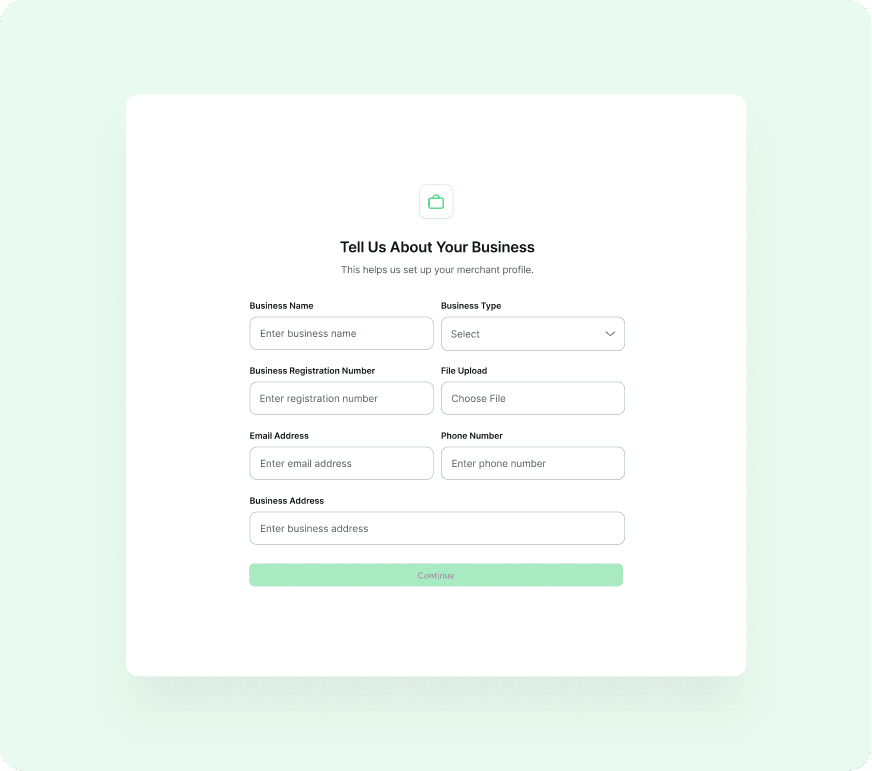
- Review business profile and customer-facing details.
- Review product, FAQ, order, payment, and handoff flows.
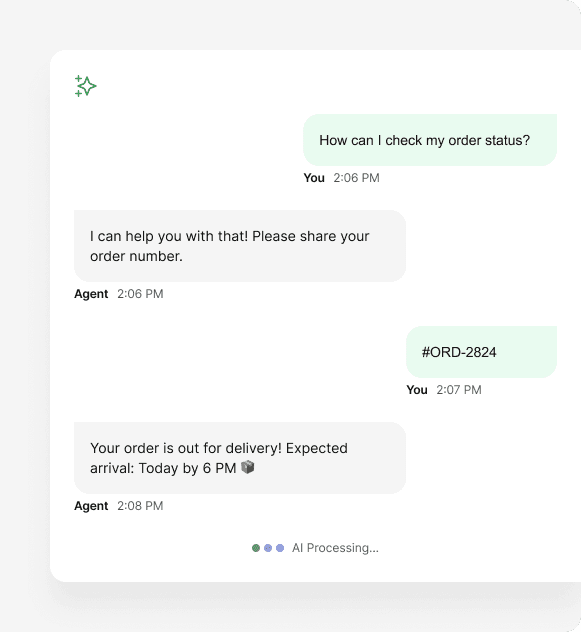
- Preview how routine customer questions may be handled.
- Identify gaps that need human review before customer-facing activation.
What You Can Do in Setup Mode
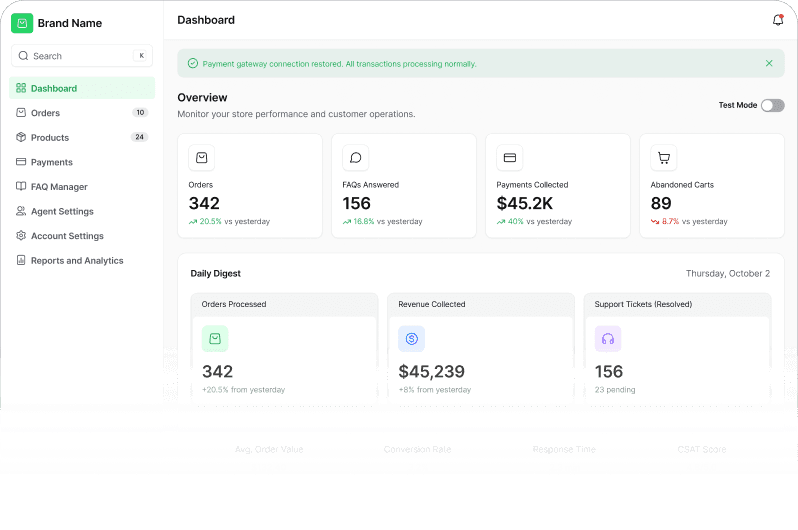
The dashboard is designed to help a merchant prepare the parts of WhatsApp operations that usually create back-and-forth: FAQs, product details, payment context, delivery expectations, and support handoff rules.
- Review conversation flows with sample customer messages.
- Review order capture and payment follow-up context.
- Confirm the handoff path for issues that need staff judgment.
- Prepare FAQs and product details before live activation.
What You Cannot Do Yet
Setup mode prepares the business for production. Some actions remain restricted until verification, setup review, and go-live approval are complete.
- Connect live WhatsApp numbers.
- Process real payments.
- Send live broadcasts.
- Run unsupported regulated or high-risk workflows.
Preparing for Go Live
A good activation starts with clear operating details. Before live activation, merchants should confirm the messages customers will see, the products or services the agent should understand, the payment path, and the situations that should move to a human.
- Finalize the welcome message and core FAQs.
- Review product, booking, or service details.
- Confirm payment and delivery follow-up expectations.
- Test edge cases and escalation rules.
Setup mode is not a limited demo. It is a preparation layer for real WhatsApp operations before customer-facing activation.